


Transcription goes beyond simply converting speech to text; it preserves the full conversation to create a reliable record that supports better decision-making, especially in recruitment. The true value lies not in the transcript alone, but in how it is reviewed, summarized, and used to extract actionable insights.
At its core, transcription is about accuracy and completeness. It records spoken content as text so people can revisit the conversation without depending on memory alone.
This is different from traditional note-taking. Notes are selective. They reflect what one person noticed, prioritized, or had enough time to write down. That can be helpful, but it also creates blind spots.
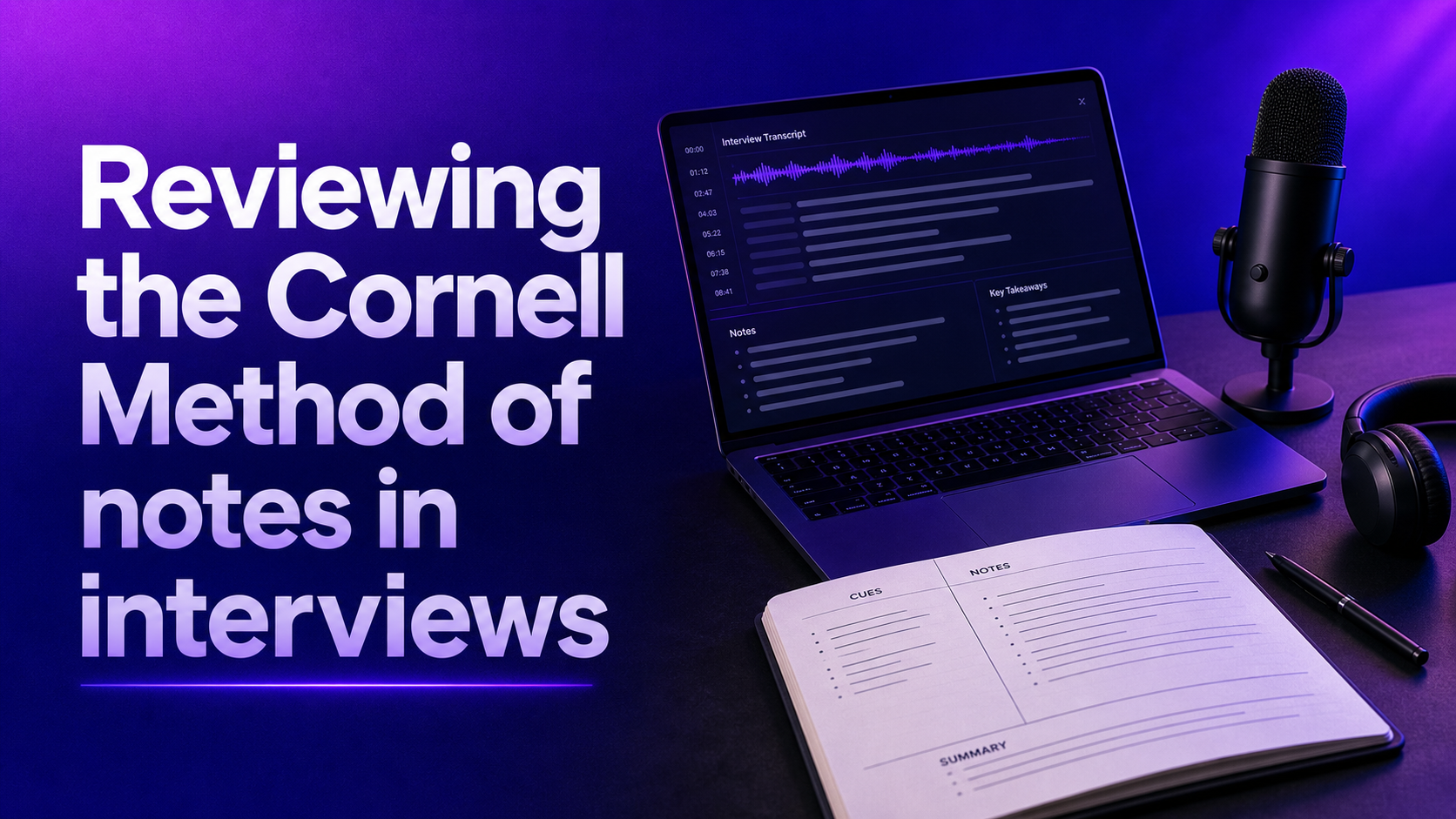
A useful way to think about it is to compare transcription with the Cornell note-taking method many students learn in school or university. In that system, a page is divided into a main notes area, a cue column, and a summary section, often with some extra space in the margin for review. It is a strong method for helping a student organize a lecture, capture questions, and study later.
A transcript serves a different purpose.
“Transcription helps retain information before reduction happens.”
That distinction matters in interviews. If a recruiter relies only on notes, they may miss phrasing, context, tone shifts, or follow-up details that become important later. If they rely only on a transcript, they may end up with too much information and no clear path to action.
So the practical goal is not simply to transcribe. It is to capture the conversation accurately, then turn it into something decision-ready.
If you are wondering how to transcribe an audio file into text, the process usually follows a predictable workflow, whether you do it manually or with software.
First, start with the best recording you can get. Clear audio improves everything that follows. A high-quality transcript begins before the interview even starts.
Then move through these steps:
There are also different levels of transcription. Some teams want a near-verbatim transcript that includes pauses, filler words, and unfinished thoughts. Others prefer a cleaned-up version that is easier to read. The right choice depends on the use case. A legal team may want maximum detail. A recruiter may need a readable record plus a short summary of core competencies and concerns.
The best transcription tool depends on volume, workflow, privacy needs, and how much editing your team is willing to do. There is no single perfect system for everyone, but a few options stand out.
Otter.ai is one of the most widely used tools for interview and meeting transcription. It is popular because it can capture live conversations, create searchable transcripts, identify speakers, and generate quick summaries. For recruiters, it is useful when speed matters and when several stakeholders need to review the same interview.
Otter.ai tends to work well when you need:
Microsoft 365 is another strong option, especially for organizations already working in the Microsoft ecosystem. Tools within Microsoft 365, such as Transcribe in Word and transcription features connected to Teams workflows, can help turn audio into text without introducing a completely separate platform. This can be helpful for compliance, collaboration, and document management.
Microsoft 365 is often a good fit when:
Manual transcription still has a place. Some teams prefer it for highly sensitive interviews, small volumes, or cases where exact wording matters enough to justify the time. It is slower, but it can produce strong results when done carefully.
When evaluating any transcription tool, look beyond the transcript itself. Ask practical questions such as:
That last point is important. The best tool is not just the one that creates text fastest. It is the one that fits the way your team works and reduces the amount of time people spend trying to extract meaning from raw text.
Accuracy is the difference between a helpful transcript and a misleading one. In interviews, small errors can change how a candidate is perceived or how a conversation is interpreted.
A few best practices consistently make the biggest difference.
Prioritize audio quality from the start.
A transcript cannot fix a bad recording. If people talk over one another, use weak microphones, or join from noisy places, error rates increase fast.
Review proper nouns and role-specific language.
Candidate names, company names, software terms, and job titles are often where transcription systems fail. Always check these manually.
Keep speaker identification clean.
In panel interviews, it is easy for transcripts to blur speakers together. Labeling matters because the meaning of an answer depends on who asked the question and who responded.
Decide in advance how polished the final text should be.
Do you want every filler word included, or do you want a cleaner version that is easier to read? A consistent editorial standard avoids confusion later.
Use transcripts as a source, not a substitute for judgment.
A transcript captures language, but it does not automatically explain intent, confidence, or fit. Human interpretation still matters.
There are also predictable challenges in interview transcription.
One practical approach is to treat transcription as a two-step process. Step one is capture. Step two is interpretation. Teams that stop after step one often end up with a document nobody has time to fully read.
Transcription alone is merely a collection of raw data, not a strategic advantage. Recruiters risking hours sifting through endless pages of text miss the point: true value lies in turning transcripts into clear summaries and actionable insights.
Technology should liberate recruiters from the tedious task of data mining, allowing them to focus on what matters most, building relationships and truly evaluating talent. The future of hiring depends on smart tools that do the heavy lifting, not exhausting human effort on unfiltered information.
The obvious benefit of transcription is that it creates a written record. But in real work, especially in recruitment, the bigger benefits come from what that record enables.
A transcript makes information easier to search. Instead of replaying a 45-minute interview to find one answer, you can locate the relevant passage quickly. It also improves consistency. If multiple interviewers need to align on a candidate, they can review the same source rather than compare partial memories and uneven notes.
There is also a quality benefit for the conversation itself. When interviewers do not have to constantly write every detail down, they can stay more present. That often improves rapport, follow-up questions, and overall candidate experience.
Still, transcripts have limits. A long transcript is often just raw material. Most recruiters are not data analysts, and they should not need to spend hours scanning pages of text to locate key signals. The real operational value appears when the transcript is transformed into something more useful, such as:
This is where transcription becomes more than administration. It becomes part of better decision-making.
In many ways, the relationship between transcript and summary mirrors the way a student uses a lecture transcript versus a Cornell page in school. The full transcript preserves detail. The organized summary helps people review, compare, and act. One captures the source. The other creates clarity.
For talent teams, that distinction is critical. Hiring decisions should not depend on fragmented recollection or rushed note quality. They should be informed by reliable records, structured interpretation, and consistent criteria. Transcription supports that process, but only when teams move beyond the text itself.
In recruitment, the smartest use of transcription is not to create more content to read. It is to reduce information loss, improve fairness, and make interview evidence easier to use. When that happens, recruiters can focus less on admin and more on what actually matters: evaluating people well, asking better questions, and making stronger hiring decisions.
Transcription's main purpose is to convert spoken words into written text, creating a reliable record of conversations that can be revisited later for review, sharing, or analysis.
Transcription aims to capture the full, accurate conversation in text form, while note-taking is selective and often reflects what one person prioritized, which can lead to missing details or context.
Prioritize high-quality audio, review proper nouns and technical terms manually, clearly identify speakers, decide on the level of polishing needed, and remember that transcripts are a source, not a substitute for interpretation.
Transforming transcripts into summaries or structured notes helps make the information actionable, facilitates easier review, comparison, and decision-making, and prevents teams from getting overwhelmed by raw text alone.
Blog