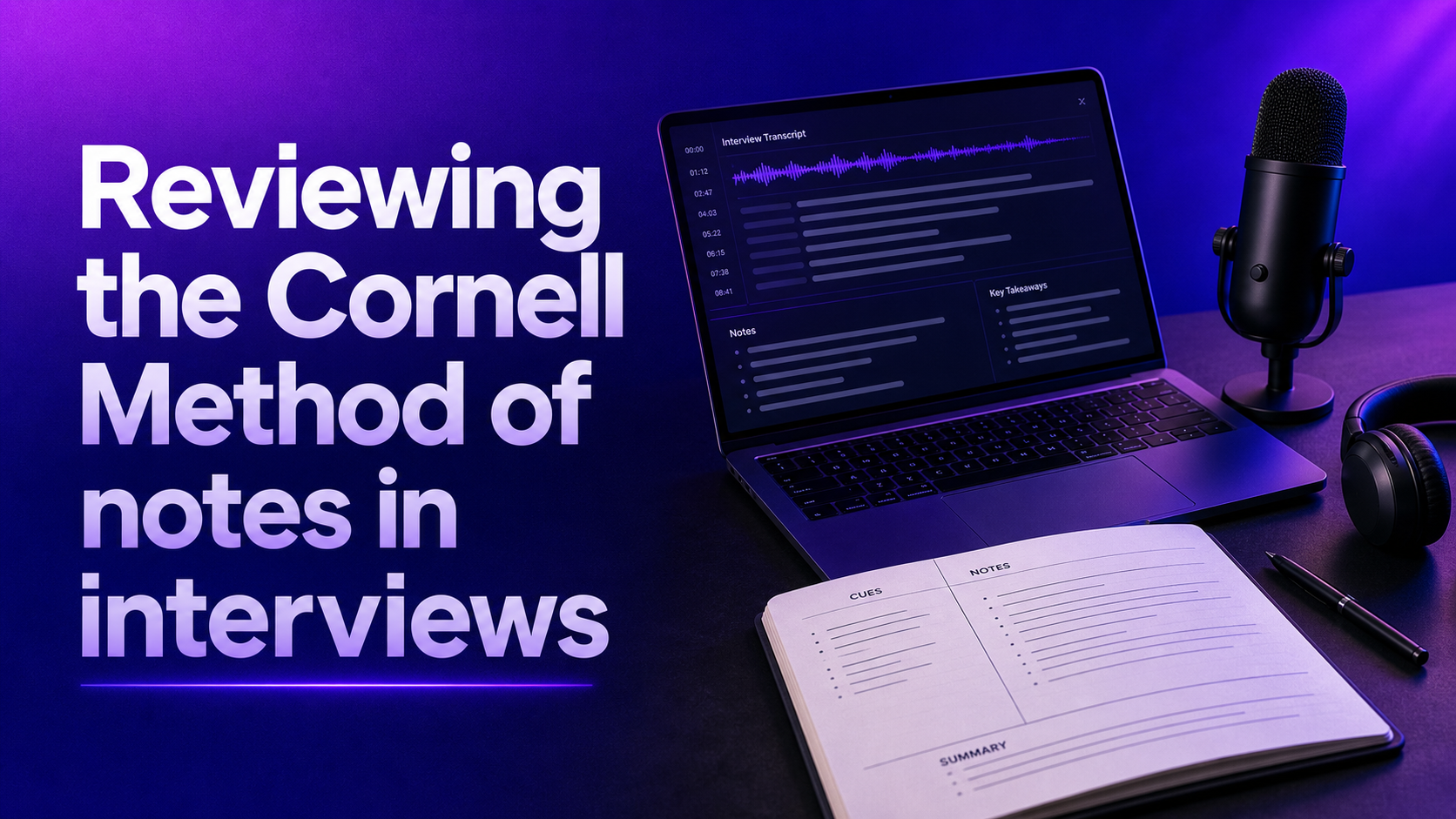



Effective meeting notes are concise, structured, and consistent, transforming chaotic discussions into clear, actionable records that save time and improve team alignment. Using a standardized format enables meetings to become practical tools rather than forgotten archives.
Meeting minutes are not just a formality. They are the official record of what happened in a meeting, especially when there are decisions, approvals, or follow-up steps that affect multiple people.
In day-to-day work, that means fewer misunderstandings and less effort spent asking, “What did we agree on?” In more formal contexts, such as board sessions or nonprofit governance sessions, minutes may also serve legal, operational, and compliance purposes.
For recruiters and hiring managers, the value is even more immediate. Hiring workflows involve multiple stakeholders, repeated review cycles, and sensitive decisions. If interview annotations or hiring meetings are poorly documented, teams risk inconsistent evaluation, delayed feedback, and weak candidate records.
Well-structured notes help teams keep minutes clear:
This is why the format matters as much as the content. If your notes are hard to scan, people will not use them. If they are inconsistent, they will not trust them.
The best meeting memo format is not the one with the most detail. It is the one people can read in less than a minute and still understand what happened.
That usually means using consistent sections instead of drafting long paragraphs. A simple framework works better than a blank page because it provides a clear outline, forces clarity, and reduces the chance of missing important topics.
No matter the meeting type, these sections are the foundation:
For hiring and interview meetings, it is often useful to add one more section: evidence or rationale for reference. This keeps decisions grounded in specific interview feedback rather than vague impressions.
Here is a clean format that works for most meetings:
This structure is simple enough for a weekly team meeting and formal enough to adapt for board minutes. The main principle is consistency. You can also use this as a quick outline to download and reuse across your team so your minutes stay consistent.
The best meeting memo format is partly about structure, but it is also about file type and workflow. Different teams need different levels of flexibility, sharing, and control across business workflows.
A Word file or shared doc is often the best choice when notes are being created live and edited by several people. It is flexible, easy to update, and ideal for teams that want to customize sections over time. Most collaboration software makes this easy and can ensure everyone works from the same source.
This works well for:
A live file is especially useful when agenda items change in real time or when people need to add comments after the meeting for later sharing.
If you run the same type of meeting every week, a customizable template is usually the best option. It saves time, improves consistency, and reduces note-taking fatigue.
For example, a hiring team might use one template for interview panels and another for candidate debrief meetings. A nonprofit might use one template for board meetings and a separate version for panel review sessions. Many teams keep a version ready to download and reuse across the organization.
A strong customizable template should let you adapt:
The more repeatable the workflow, the more valuable the template becomes.
Drafting good minutes is not about capturing everything. It is about capturing the right things in the right format.
A useful rule is this: if someone reads the notes two weeks later, they should understand the meeting at a glance.
That means your process should focus on accuracy, structure, and readability.
The easiest way to write organized meeting minutes is to prepare the format in advance. If the plan is already built into your template, you only need to fill in the discussion, decisions, and follow-up items as the meeting happens.
This saves time and improves focus because you are not trying to invent structure while listening.
Many note takers try to document too much. That creates clutter. A better approach is to summarize what matters:
If there was disagreement, capture the essence of it, especially if it influenced the final outcome. In a hiring context, that might mean noting that one interviewer flagged concerns about role fit while others supported moving forward based on technical evidence.
Action items should never be buried inside a paragraph. Give them their own section, and always include ownership and timing.
For example, “Schedule final interview” is incomplete. “Recruiter to schedule final interview by Thursday” is clear and useful.
Waiting too long increases the chance of errors. A quick review after the meeting helps clarify unclear points, check names, and confirm with the chair that all important decisions were recorded correctly.
For board or nonprofit meetings, this review step is especially important because the minute may later serve as a formal record.
Avoid these common mistakes
Good minutes are not impressive because they are long. They are effective because they are easy to use.
Opinion: A well-crafted meeting memo format is more than just organized text; it’s the backbone of effective communication and decision making. Clear, concise sections that capture participants, discussions, insights, and actions transform notes from forgotten documents into strategic assets.
Consistency in format breeds familiarity, making it effortless to track progress and avoid missed details. Without this disciplined approach, meeting notes risk becoming cluttered, confusing records rather than powerful tools for clarity and accountability.
Frameworks are the starting point. The real advantage comes when your meeting notes and minutes are consistent, searchable, and connected to the rest of your workflow.
That is especially true in recruitment, where meetings often involve interview feedback, candidate review, panel debriefs, hiring manager alignment, and approval steps across multiple stakeholders. In these settings, poor notes do more than waste time. They slow decisions, weaken documentation, and make it harder to compare candidates fairly.
Liroad helps solve that by turning interview and meeting documentation into a structured system rather than a manual admin task. Instead of relying on scattered notes or inconsistent minute formats, teams can capture conversations in real time, organize insights automatically, and apply repeatable frameworks across hiring workflows with software built for this process.
That means you can:
This helps ensure smoother management visibility, supports better business continuity, and makes sharing more reliable across the hiring process.
If your team is already using templates for meeting minutes, Liroad helps you take the next step: making those notes part of a faster, more reliable decision process.
A good meeting memo format gives people clarity. A consistent workflow makes that clarity scalable. And when the meeting is tied to hiring, that can directly improve the quality and speed of your decisions.
If you want notes that are readable, repeatable, and actually useful after the meeting ends, start with a strong template and build from there.
Blog